AI Real Design › Free trainings
How to Turn Your Handwriting Into a Font for Cricut
By The AI Real Design Team · 15 November 2026
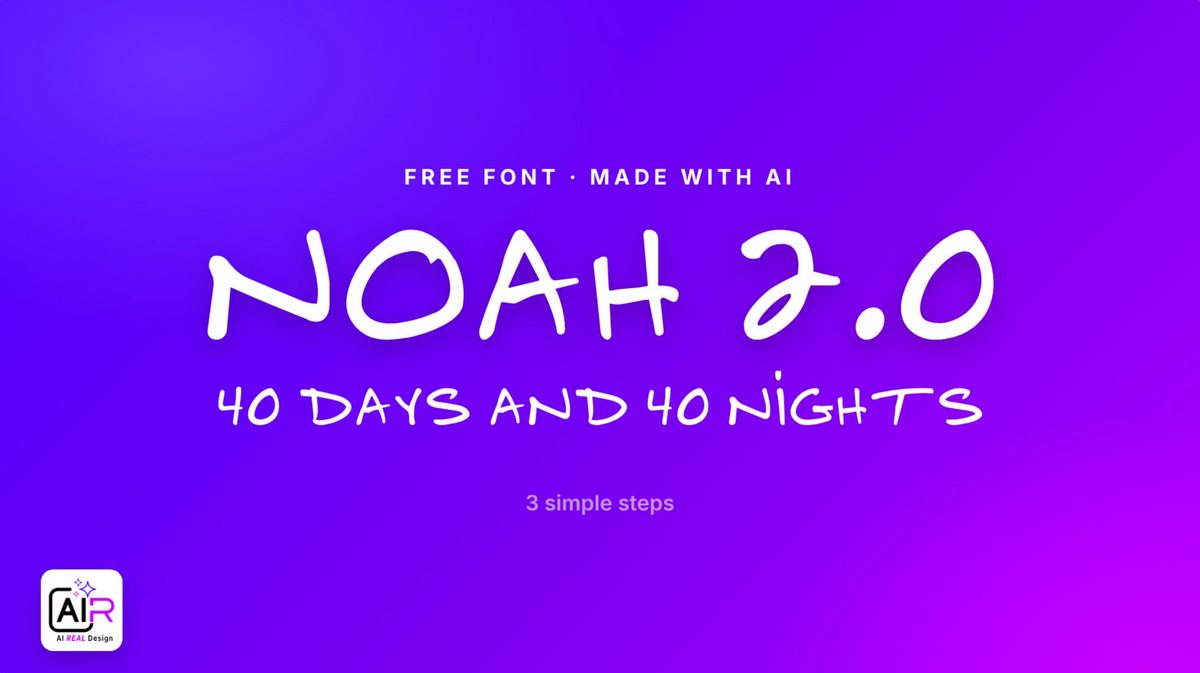 ▶Watch the free font training
Imagine typing a recipe card, a wedding sign or a Christmas ornament in Mom's handwriting, or your own. Not a font that looks a bit like it. The real thing, installed on your computer, ready in Cricut Design Space.
You can make one with a pen, a sheet of paper and some help from AI. Here's how it works, what to expect, and the mistakes to avoid.
What you need
- White paper and a dark pen or marker
- A phone or scanner
- A free online converter that turns your drawing into an SVG (we use PICSVG.com)
- Claude, an AI assistant, to build the font file
- Cricut Design Space, or Canva, Word or any app that uses installed fonts
How it works in 3 stages
- Draw every letter. On white paper, draw every letter, number and symbol you'll want. Use a dark pen, keep the letters about the same size, and leave space between them.
- Turn it into an SVG. Take a clear photo or scan and convert it to an SVG. That turns your pen strokes into clean shapes a computer can use.
- Let AI build the font. Give the SVG to Claude and ask it to build a font file you can install. Then install it like any other font.
Get the free font training
Tips for writing your letters
- Write slowly, with the same pen, in one sitting, so the letters match.
- Draw each character once, as neatly as you'd want it to appear every time.
- Don't forget numbers and punctuation, like the ampersand for wedding signs.
- Using Mom's handwriting from old cards? Collect every letter you can find. Missing letters can be drawn to match.
Using it in Cricut Design Space
Design Space can use fonts installed on your computer. Install your new font first, then reopen Design Space, and it appears with your other fonts.
One thing to know: a handwriting font made this way is a normal outline font. It's great for cutting vinyl, iron-on and printing. If you draw it with a Cricut pen, the pen traces around the outline of each letter instead of writing it in a single line.
Gift ideas
- A recipe card or tea towel in Grandma's handwriting
- Christmas ornaments and gift tags
- Wedding signs and place cards
- A framed note in a parent's handwriting
Quick answers
Can I really make a font from my own handwriting? Yes. You draw the letters, and AI does the font-building part that used to need special software.
Will it work in Canva and Word too? Yes. Once it's installed on your computer, desktop apps can use it.
Is there a free font I can try first? Yes. Our Noah 2.0 font comes free with the free font training.
Make your own font, free
Our free training walks you through every stage on screen, from blank paper to typing with your own font. It's taught by Ryan, our AI trainer. Ryan is an AI character, not a real person.
▶Watch the free font training
Free. Just your first name and email. No card.